
How can we help?

You can write to PearlFibers support on WhatsApp from your phone, without signing in to Loop. This guide gives you the number, the places where we publish it and what to put in your first message. On WhatsApp we cannot see which Loop account is yours, so the message has to say who you are.
Before you start
- WhatsApp is set up on your phone.
- You have at hand your company's name and the domain or service your message is about.
Step 1 — Find the number on our website
Our WhatsApp number is +964 770 805 8050. Write to support only on the number our website prints. If this guide and the website ever differ, use the website's number.
- Open pearlfibers.com/en/contact, the contact page of our website.
- Find the card headed Call. It shows the number.
- Look at the next card, WhatsApp. It prints no number of its own; it says same number, and its link Open WhatsApp → is for the number on the Call card.
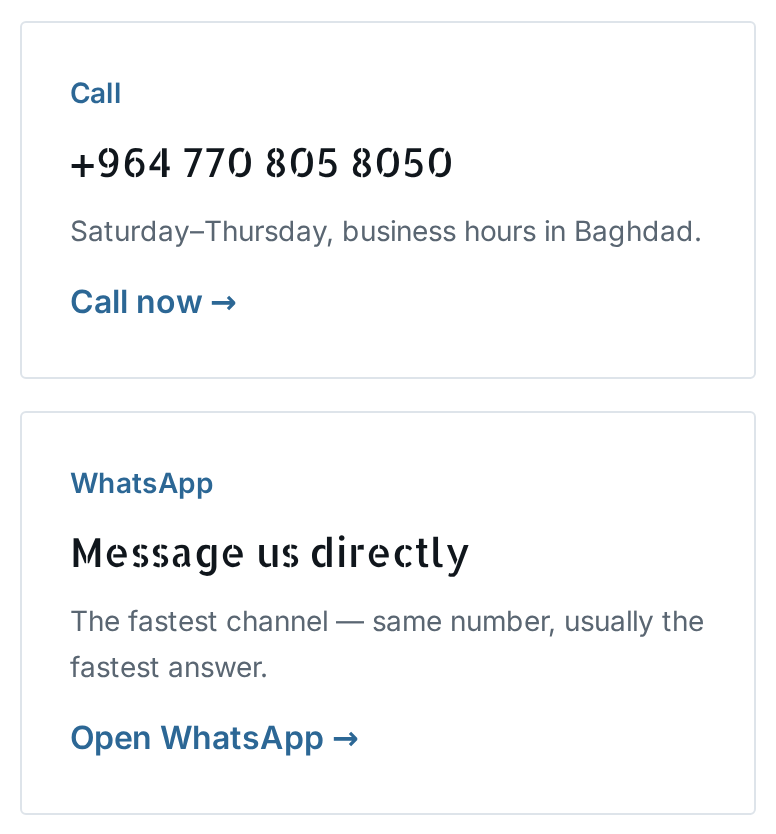
The same number is at the foot of every page of the website, with a WhatsApp link under it. It is also at the foot of the emails Loop sends you, after the words Call our customer care number:.
Step 2 — Open the chat
- On the phone that has WhatsApp, open the contact page.
- Tap Open WhatsApp →. Every WhatsApp link on our website is made for the same number.
Is WhatsApp not on the device you are reading on? Then save +964 770 805 8050 in the contacts of the phone that has it, with the +964 at the start. Compare what you saved with the number on the Call card, digit by digit. Then open WhatsApp and start a chat with that contact.
Step 3 — Write your first message
On WhatsApp we know two things about you: the phone number you write from and the name on your WhatsApp profile. Whichever number you write from, even the one saved in your Loop account, your message is not connected to that account.
- Type your name and your company's name.
- Add the domain or the service your message is about, for example
example.com. - Say what you need. For a problem, name the page you were on and copy the exact words of any message on the screen.
- Attach a screenshot, a picture of your screen, if you have one.
- Send the message.
Send all of this at once, not a greeting on its own: a greeting tells us neither who you are nor what you need. The guide "Describe a Problem So We Can Fix It Fast" shows what makes a report complete.
Never write a password or a sign-in code in a message. If a message asks you for one, do not send it, whoever it seems to come from.
What happens next
Your message joins the line of conversations waiting for our support team. Until a person answers, expect this:
- Perhaps a short automatic message. Some people receive one within seconds of writing; most receive nothing. No person wrote it, and it does not mean that someone has read your message.
- No sign that it was read. Loop, the system that receives your message, sends no "read" mark to WhatsApp, so a message that still looks unread may already have been seen.
- The answer comes in the same WhatsApp chat, as an ordinary message from the number you wrote to. Nothing is sent to your email, and the conversation does not appear in your Loop account.
On the Call card the website says Saturday–Thursday, business hours in Baghdad. The foot of Loop's emails says We serve Sun-Thu, 9AM-17PM. When nobody is available, your message waits.
When you write again on a later day, name your company and the domain or service again.
What you can send
Text, photos, voice notes, videos and documents all reach us. If a long video matters, also say in words what it shows.
The number that sends sign-in codes
A sign-in code that Loop sends you on WhatsApp comes from another number, +44 7418 318382. That is not the support number, so do not write to it for help. If you already did, send your message again to +964 770 805 8050.
If something goes wrong
- No answer after a day. Silence does not mean that your message was lost. Write one more short message in the same chat. Loop can send you an ordinary reply only within 24 hours of your last message, so a new message keeps the way open. If it cannot wait, call
+964 770 805 8050on a working day: the website gives the same number for phone calls. - A photo, video or file did not reach us. You may only find out when we ask for it again, or when our answer does not mention it. Sometimes WhatsApp does not pass on what you sent, and a file can be lost on the way to us. Send it again as an ordinary photo or file, or say the same thing as text.
Prefer to write from inside Loop? On the home screen, click Help, then Submit a Ticket.